
01
Open bKash
Open the bKash app and choose Payment.
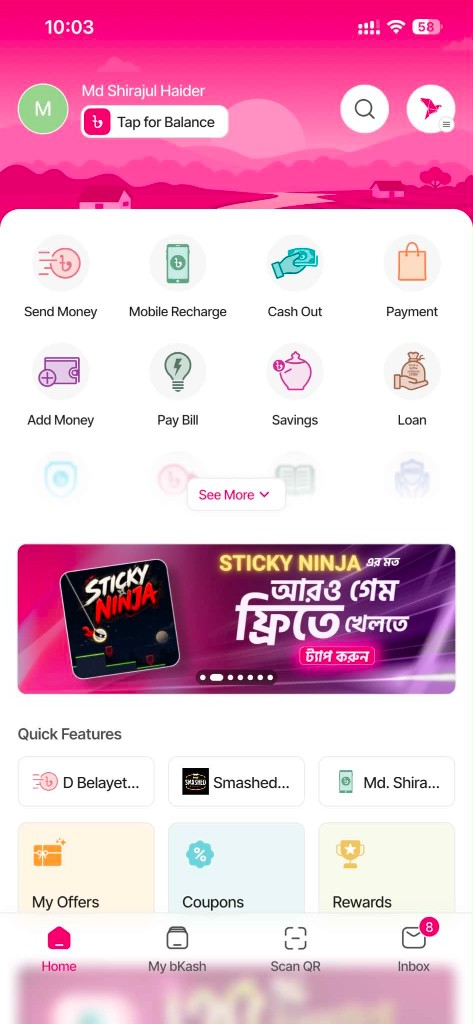
Simple step-by-step payment guide
Payment guide
Choose your preferred payment method and follow the steps below.
Open the bKash app and choose Payment.
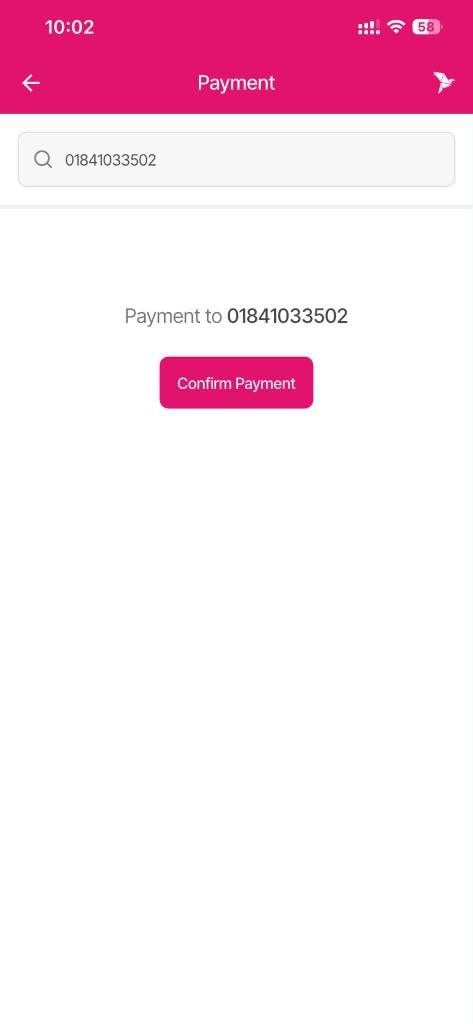
Enter Cue Club merchant number: 01841033502.
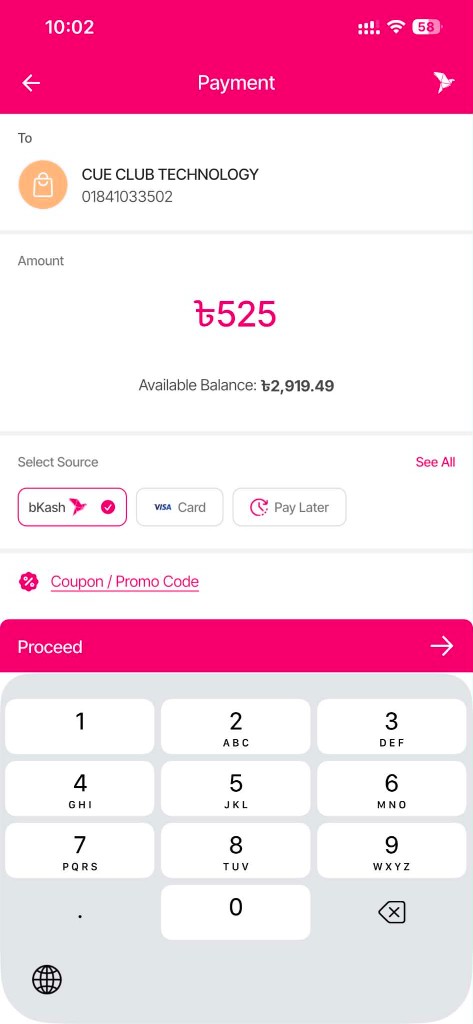
Enter the amount shown on your Cue Club bill.
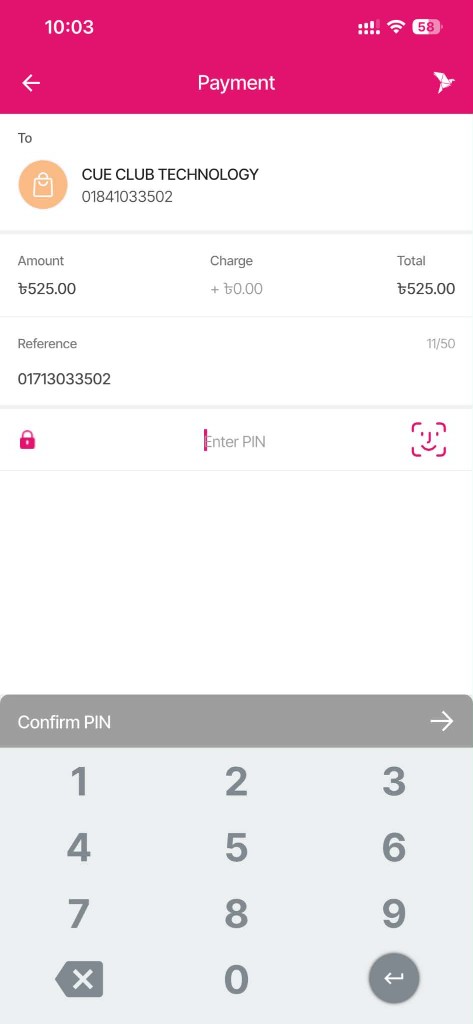
Enter customer/reference information, then complete payment inside the official bKash app.
Payment method coming soon (as listed on Cue Club’s live bill pay page).